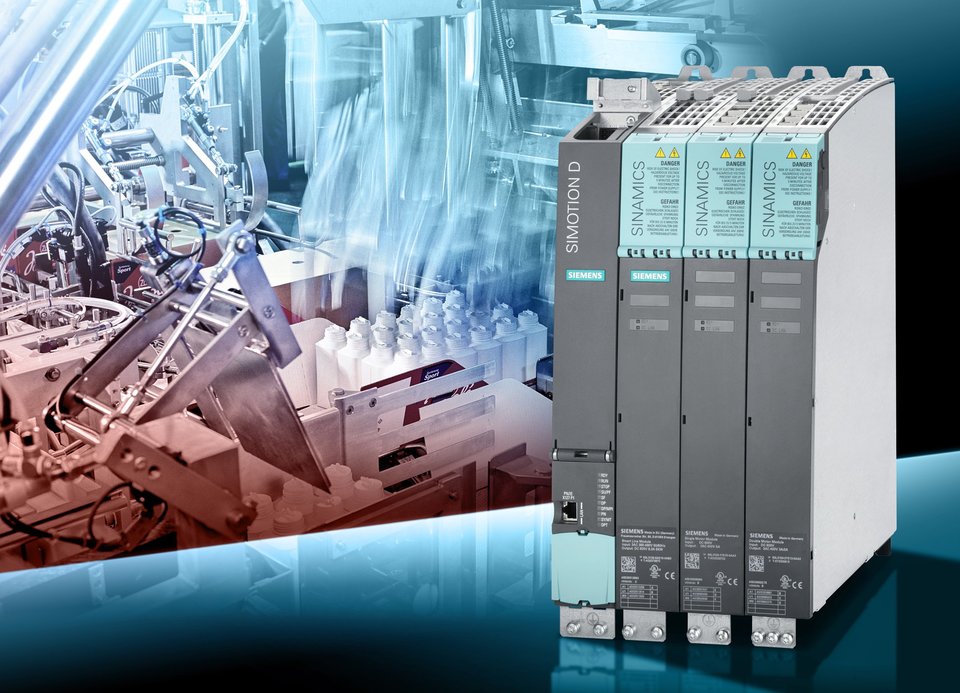
Siemens SIMOTION
The well-proven high-end motion control system
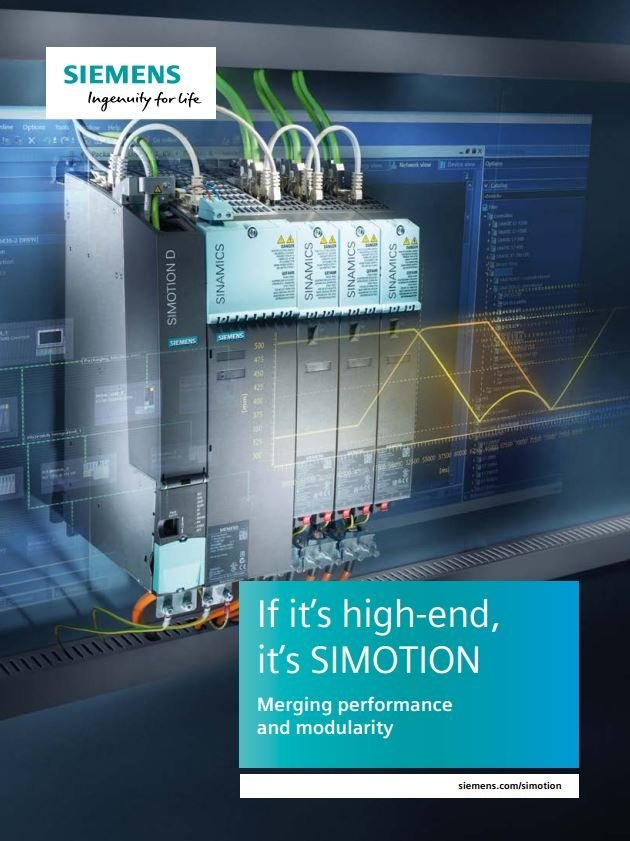
If it’s high-end, it’s SIMOTION
Reduce time-to-market while boosting efficiency and flexibility – those are the challenges currently facing the industry. Achieving this while maintaining or increasing product quality calls for machines that are especially powerful, versatile, and precise.
To compete on a global scale, the industry requires powerful, versatile, and efficient motion control applications that work with precision. Machine builders have to adapt to these requirements and also continue to understand, implement, and reliably meet the very specific and individual requirements of their industrial customers.
The proven, modular, and scalable SIMOTION portfolio featuring high-end functions is the optimal solution for motion control applications in machine building when modularity, maximum precision, and speed are required. You can use SIMOTION to implement a wide variety of tasks and requirements with regard to motion control and adapt them for any industry with a motion control focus.
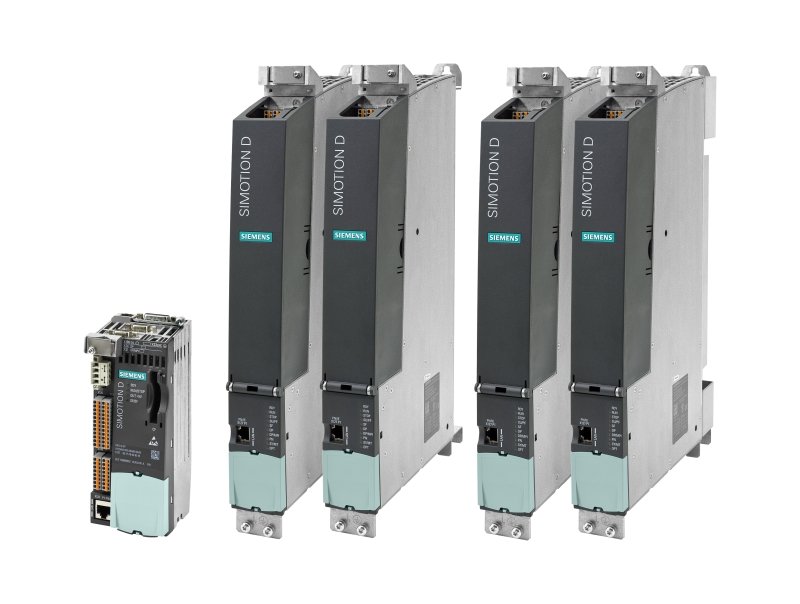
When modularity, maximum precision, and speed are required for applications in machine building, the modular and scalable SIMOTION motion control system featuring high-end functions is the optimal solution. Whether a cycle time of 125 μs is needed or machine concepts with a central, decentralised, or mixed topology are implemented, the scalable hardware covers a wide range of offerings.
Scalable hardware
Take advantage of the full performance range from one axis to the high-performance multi-axis system with 128 axes. The different hardware versions enable you to continuously scale the performance.
Flexible topologies
In addition to central topologies, decentralised topologies with several controllers are possible for nearly an unlimited number of synchronised axes.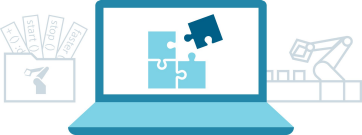
Modular Machine & Software
The project generator transfers the benefits of modular software into engineering. In addition, machine modules can be adapted during commissioning without engineering. Technology objects, deep drive integration, reusable modules, and object-oriented programming increase efficiency.SIMOTION D is available in two configurations:
- As a single-axis system SIMOTION D410-2 with multi-axis option (Blockize design)
- As a multi-axis system, SIMOTION D4x5-2 in four performance variants for up to 128 axes (type Booksize)
The fine scalability ensures a high degree of scalability and flexibility. The application range extends from individual axes to high-performance multi-axis machines
Communication
SIMATIC HMI devices can be connected via PROFIBUS, PROFINET or Ethernet, depending on the SIMOTION D variant for visualisation and operation. The connection of distributed I / O is via PROFIBUS or PROFINET.
OUR PARTNERS
Authorised Distribution Partner For